I've always been curious to tinker with some hardware like a Raspberry Pi. But the barrier to entry in this area is, well... not the friendliest, in my opinion. So I went with a simplier yet still powerfull option - Zimaboard 2.
Firt look
I really enjoyed the onboarding, where the very first thing you do is take apart your brand-new little server and connect a tiny fan. The cat enjoyed it too. He played with it all evening - stopping it with his paw and waiting for it to spin back to life:
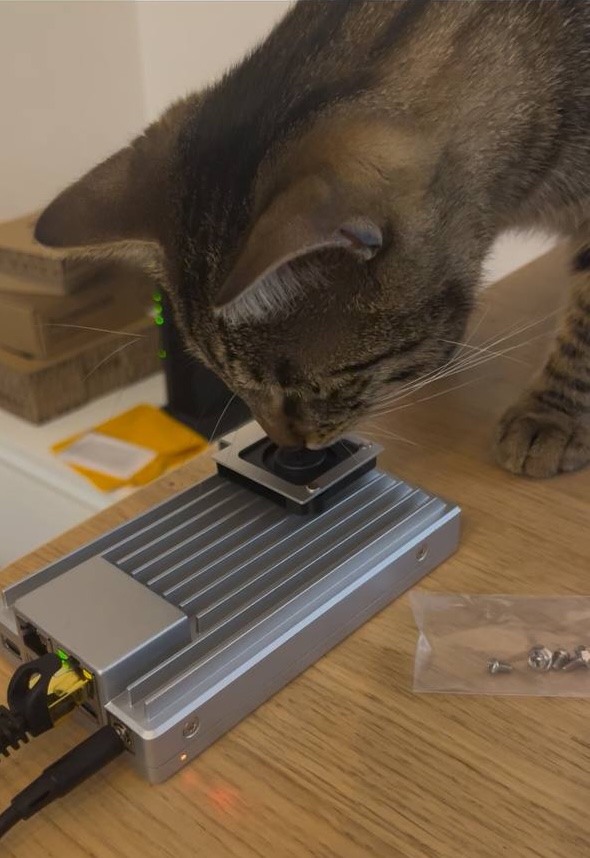
My Zimaboard has already picked up a fair number of add-ons since its first boot. At first it looked like this:
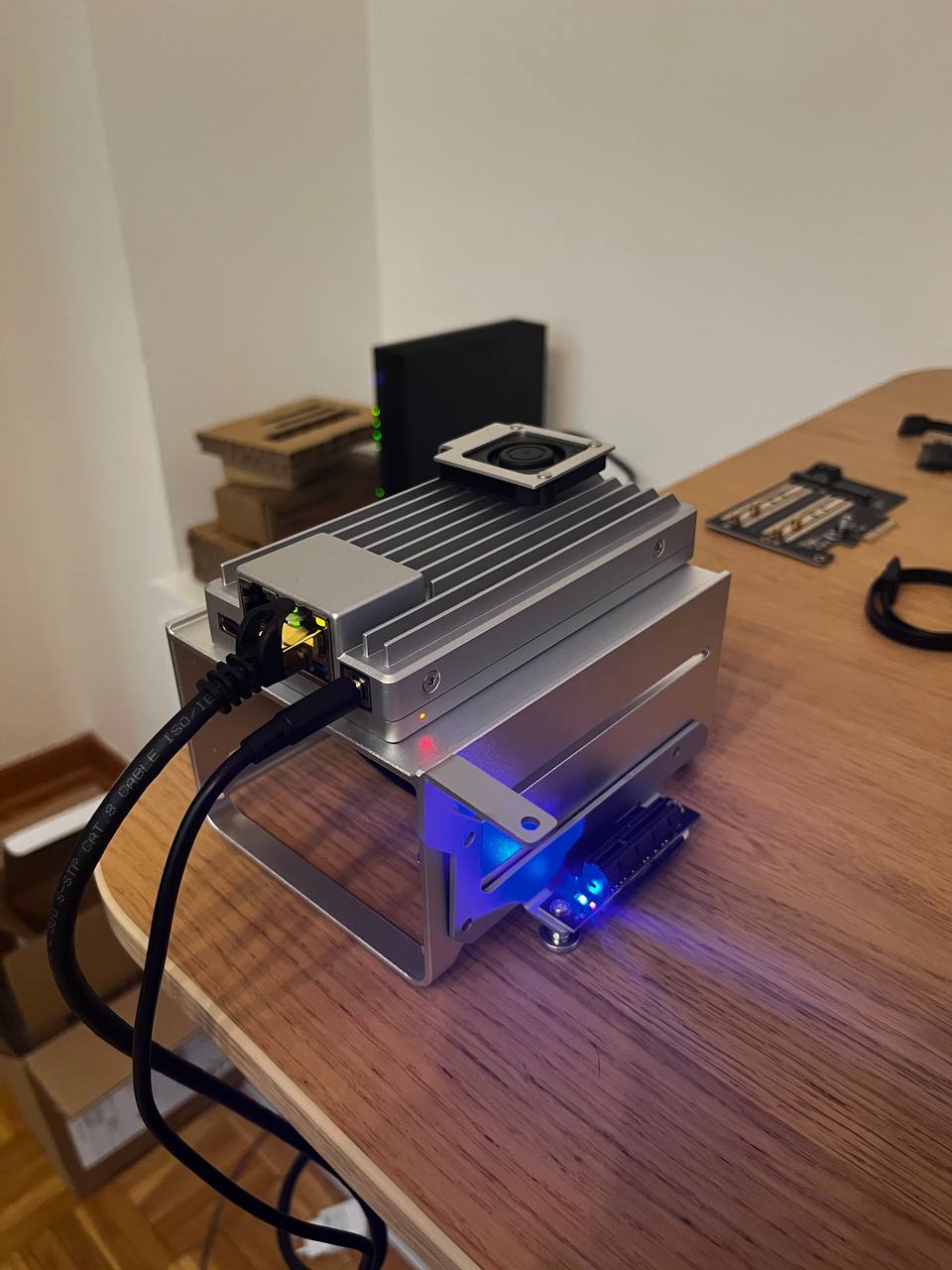
Now I have an HDD for backups (still waiting another one), an SSD for hot storage, and a base station for the smart home:
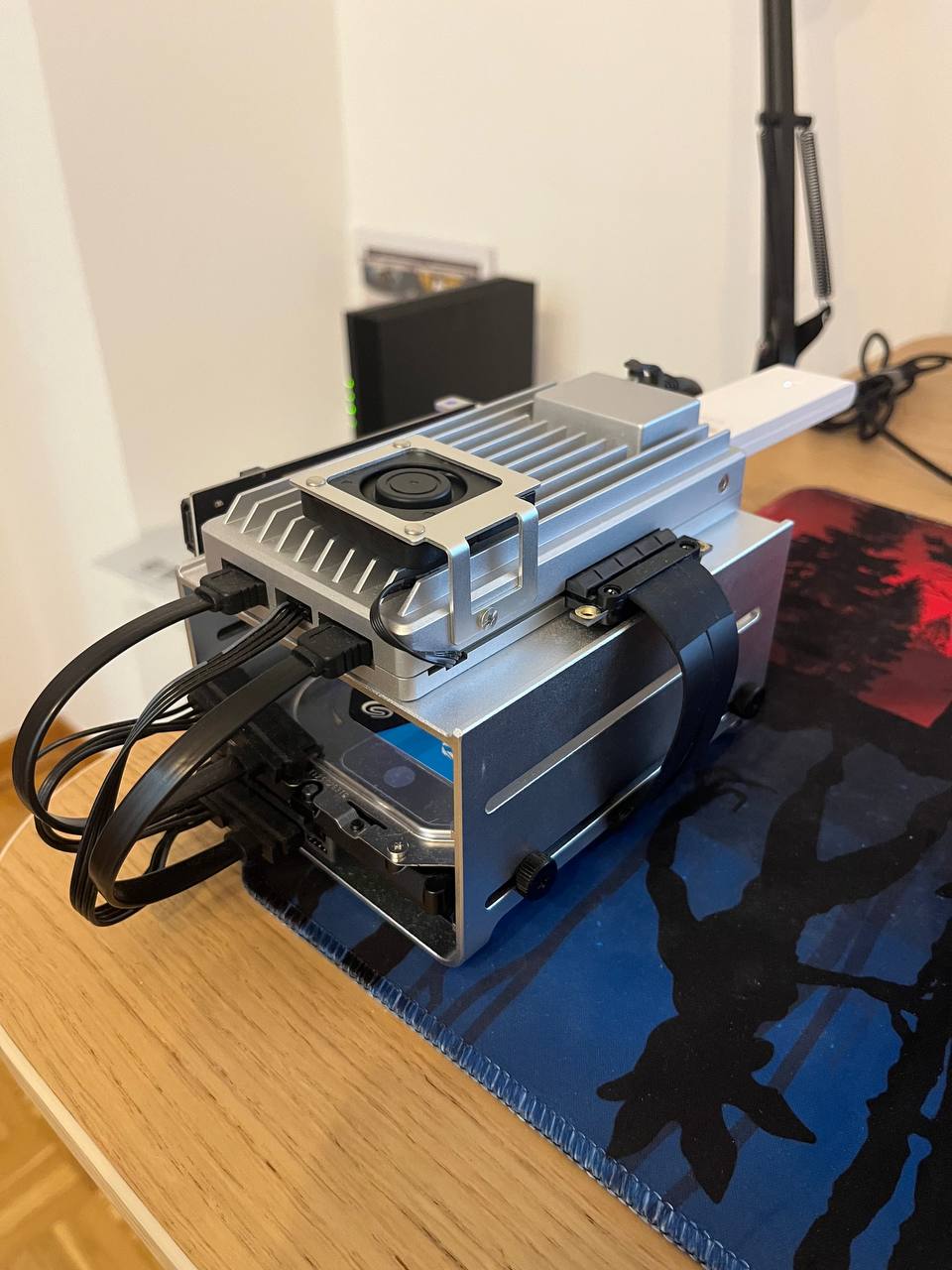
What I got to play with
Right now my setup looks roughly like this:
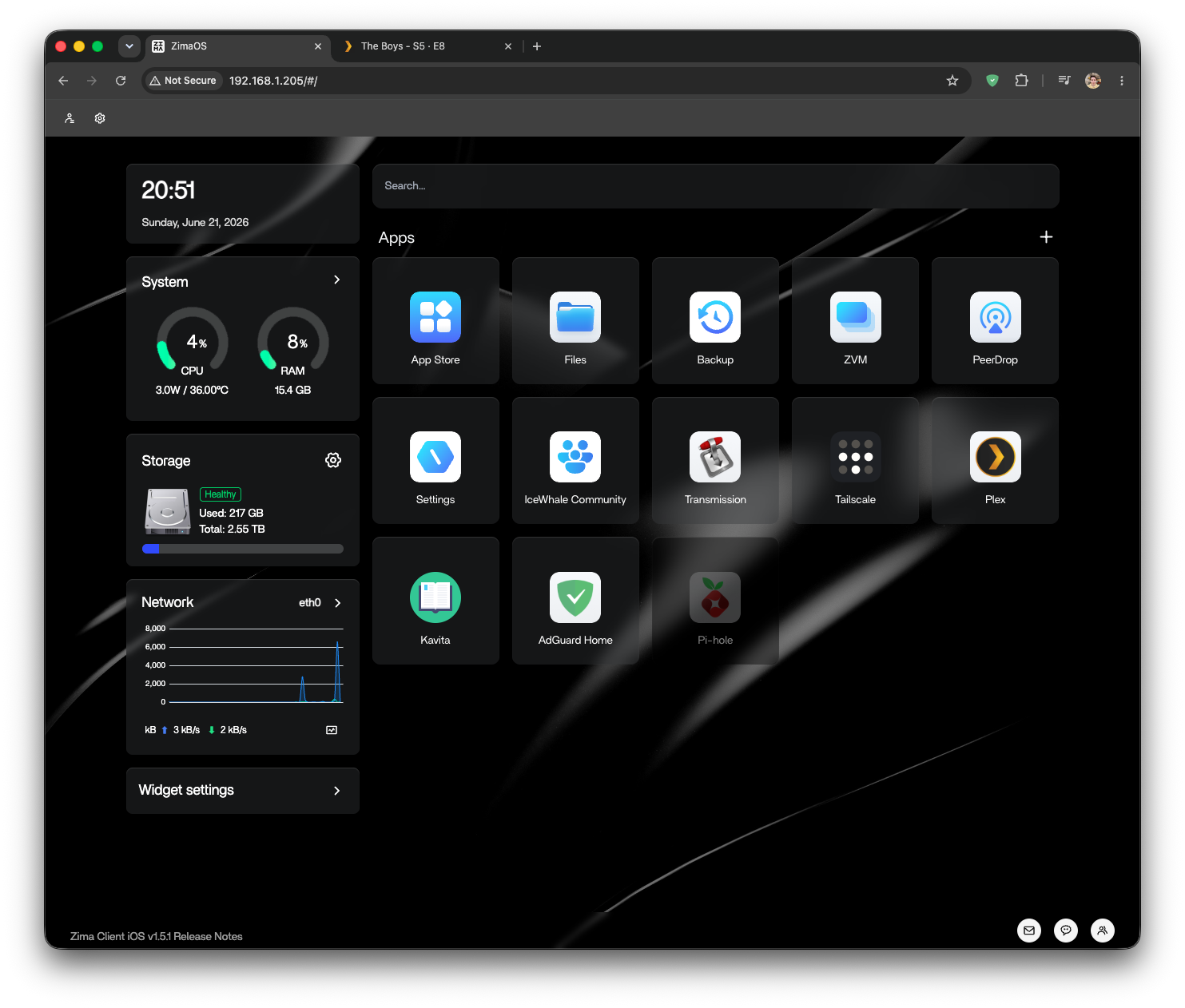
As you can see, I didn't get to try all that much in the one month I've had with the server. But let me tell you about what I have managed to test.
DNS ad-blockers
I tried two - Pi-hole and AdGuard Home. Both of them are pretty much the same in terms of functionality. Purely in terms of the interface I liked the latter more, and it's still running on my server today.
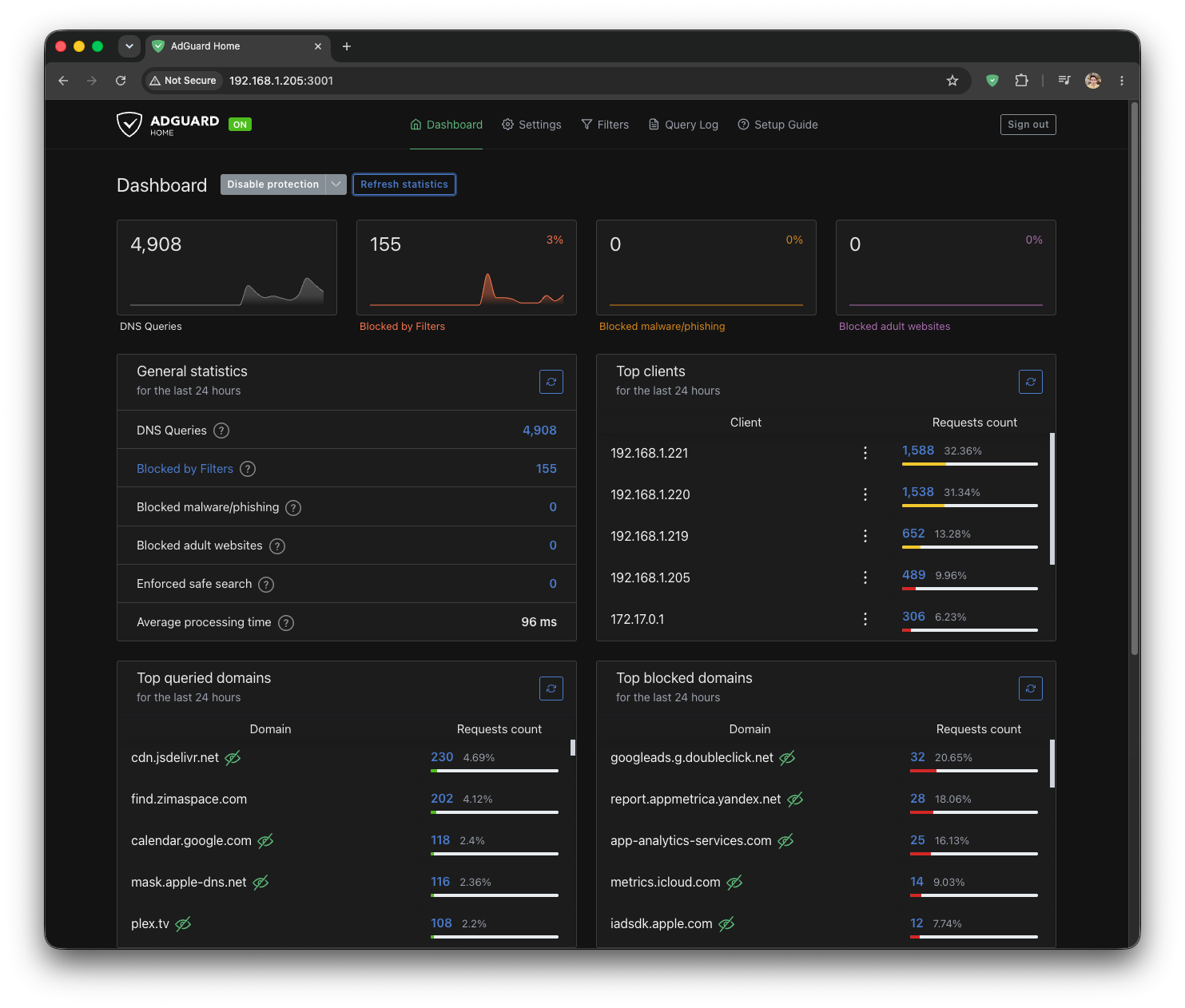
Blockers like these stop most of the ads on websites based on DNS blacklists - the addresses the ad banners are loaded from. This, of course, does nothing at all about ads on sites where the content is served from the exact same addresses as the main content (for example, YouTube). But it makes the experience much better for people who don't use browser-based blockers (read: my girlfriend) on my home network.
While experimenting with the blacklists, I managed to accidentally ban first all of Google's services, and then our work Grafana instance. I spent a good couple of hours figuring out the problem before I even thought to look towards my blocker. An interesting experience for sure, but just in case, it's always better to be deliberate about which blacklists you use (or at least check that the services you need still work after enabling them). Other than that, the thing is a 10/10 - I recommend everyone tired of ads give it a try.
Multimedia platform
One of the killer features of home servers has always been that you can download movies to it via torrent (where it's legal, of course, wink-wink) and stream them straight from the server for your loved ones. After listening to enough tech bloggers, I rushed to install Plex (I know there's also Jellyfin, I'll save that for next time).
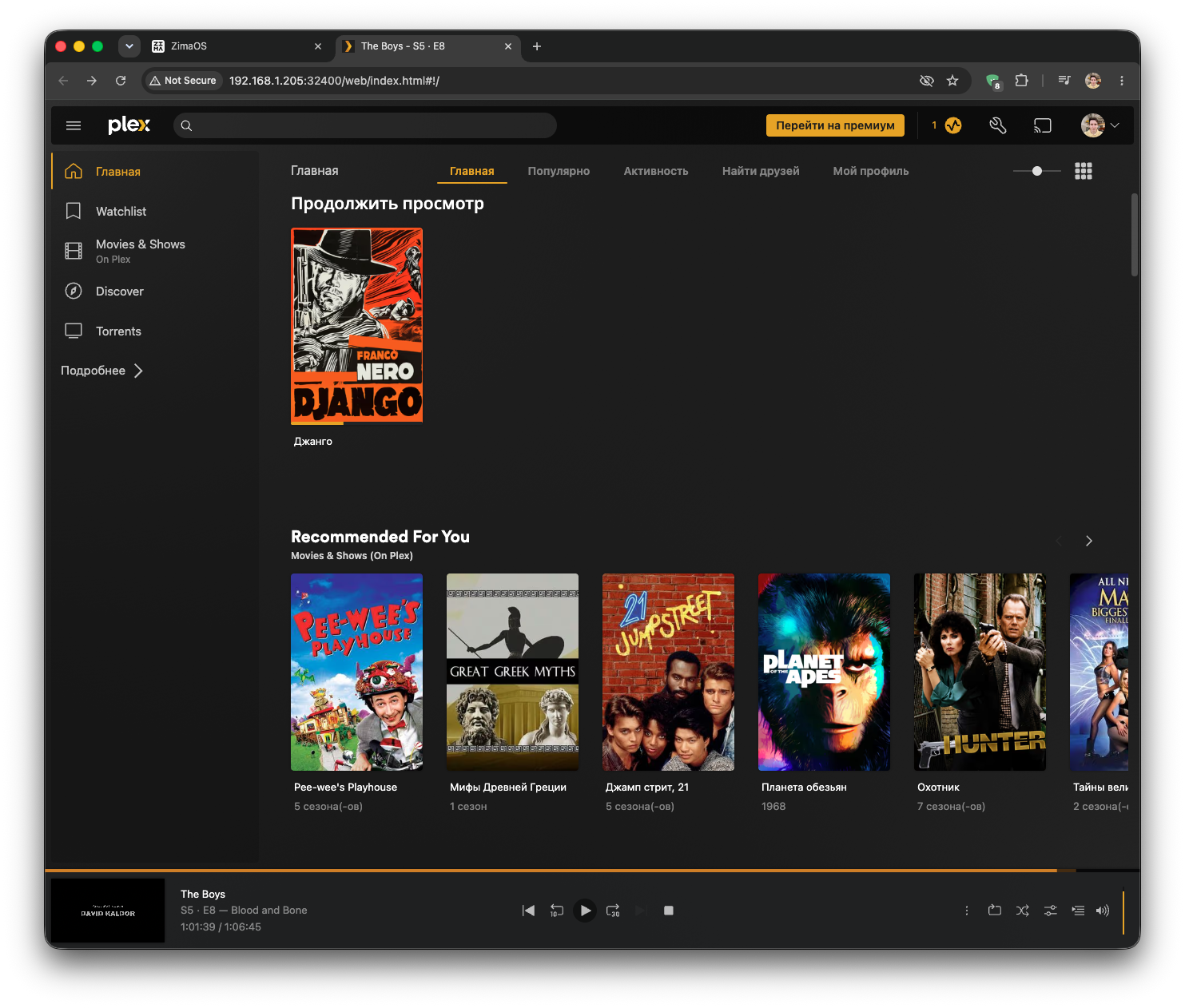
Installed it, launched it, works. I even managed to watch the latest season of The Boys on it, and the old Django:
Downloading movies to my work computer, moving them over to the server, and loading them into Plex every single time would be dumb. So naturally, alongside Plex I installed Transmission. I pointed its download folder to the same one Plex uses to auto-refresh its movie library, and everything just worked:
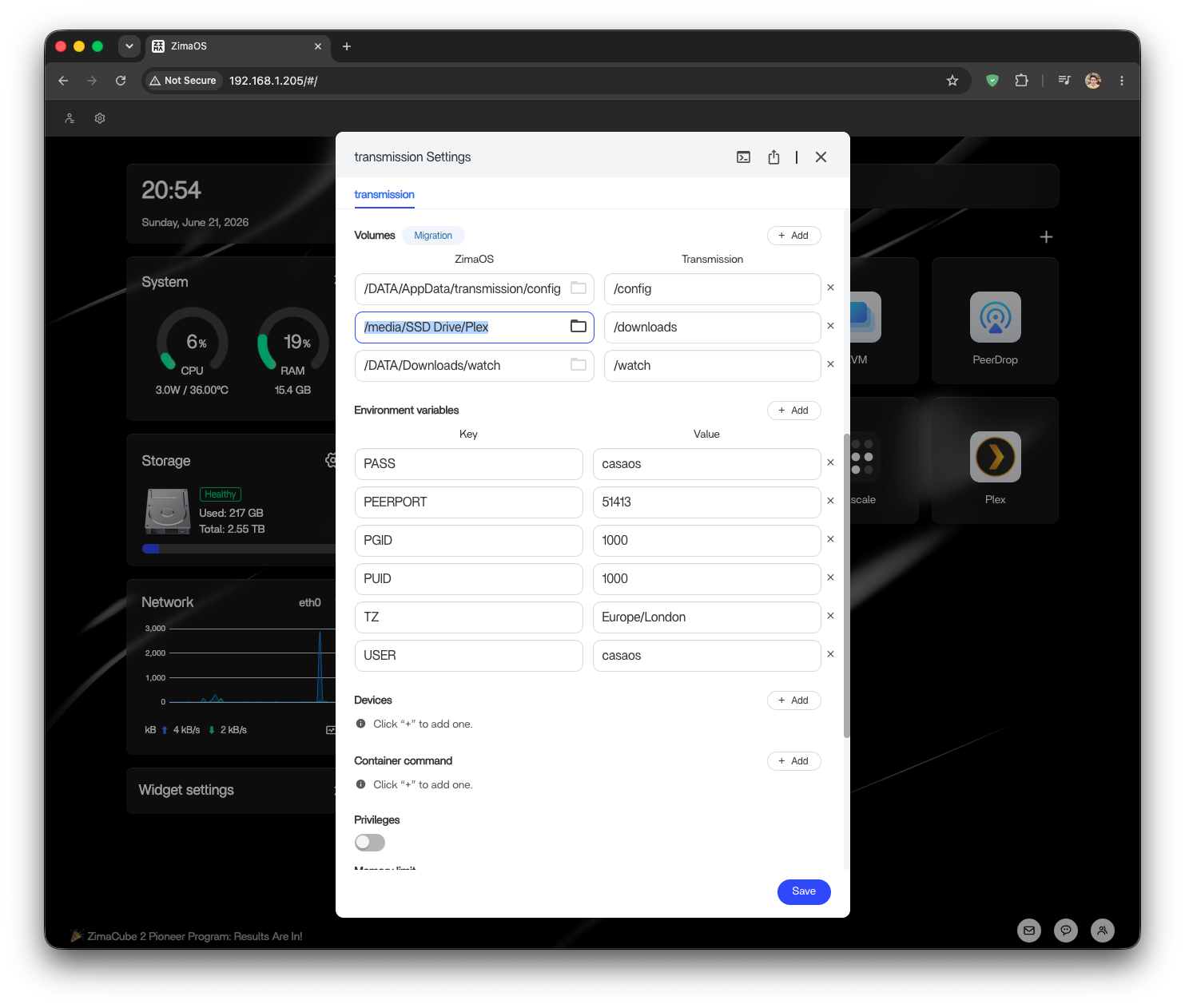
I never did get Transmission to work together with AdGuard/Pi-hole. Torrents refused to download at all, so I had to route that container separately - not through the standard DNS for the whole home network, but to 0.0.0.0.
Overall the experience turned out fairly convenient. But you still have to hunt for torrents in good quality, with the right audio and subtitles, every time before watching. As a Russian-speaking internet user, watching on Russian-language pirate sites is objectively more convenient. They have dubs for every taste, subtitles, the latest releases without ads, and all of it in one click. So honestly, I didn't end up reaching for Plex all that often. Only when I knew in advance that we were going to watch "ten seasons of this one show." That's the only case where it makes sense for me to download everything in the best quality up front.
Build server for Dokploy
To be honest, this isn't my first time trying to self-host something. I have a small VPS at Hetzner for various side projects and little experiments. For example, I sync my Obsidian notes across all my devices through it. But there's one problem with it - the amount of resources is very limited (it has 2 vCPUs and 4 GB of RAM). So during Docker container builds it sometimes runs out of resources, and the server stops responding to requests. I thought - what's stopping me from using the Zimaboard's resources?
There are basically two problems here:
- Network connectivity. I need a secure connection between the VPS and the ZimaBoard.
- Resource limits for builds (and potentially other Dokploy-related things).
The first is fairly easy to solve with Tailscale. The idea is that you can link two machines together over a private VPN network. That way the machines have network connectivity over internal Tailscale addresses, while the Zimaboard is never directly exposed to the big, scary internet.

The second problem is trickier. To avoid diving head-first into the depths of server virtualization, Proxmox, and the like, I used a simpler option - I spun up a ZVM with a dedicated amount of resources. This way the ZimaBoard won't get overloaded, and images will still be built far away from the metaphorical "production" where all my running services live.
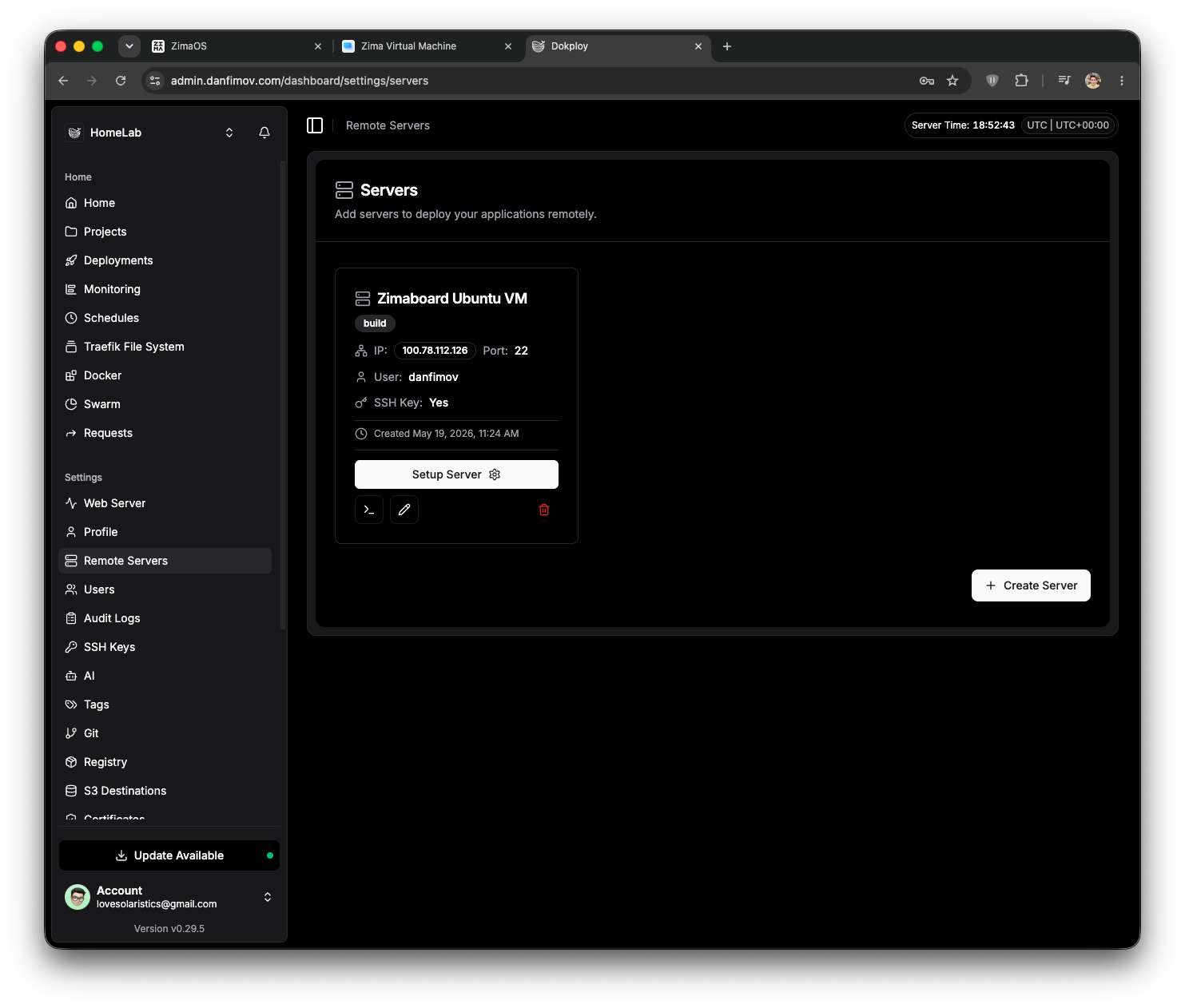
Next I'll deliberately skip a few steps on setting up the remote server in Dokploy (because it would mostly be a retelling of the FAQ/Troubleshooting section of the docs) and jump straight to the result - a ready build server:
Cool? Cool! But you can always make it even more interesting. For instance, use the VPS with a public IP as a kind of proxy in front of the Zimaboard and host some services directly from the home server. I already have a couple of ideas, but I'll leave those experiments to future Dima.
Instead of a conclusion
I really enjoyed tinkering with my new toy. Honestly, this new, unusual experience was exactly what I needed. Lately I've been feeling a bit lost because of the AI boom, the fact that I barely write code by hand anymore, and a lack of attachment to what I do as a programmer at work every day. But this little thing let me catch my breath a little, get back to good old digging through technologies, googling interesting setups, and watching endless videos of other folks building their home servers from scratch (maybe one day I will do it too). All of it reminded me why I got into IT in the first place - to make cool things, mess around with computers, and share it all with other people. And that's really great.
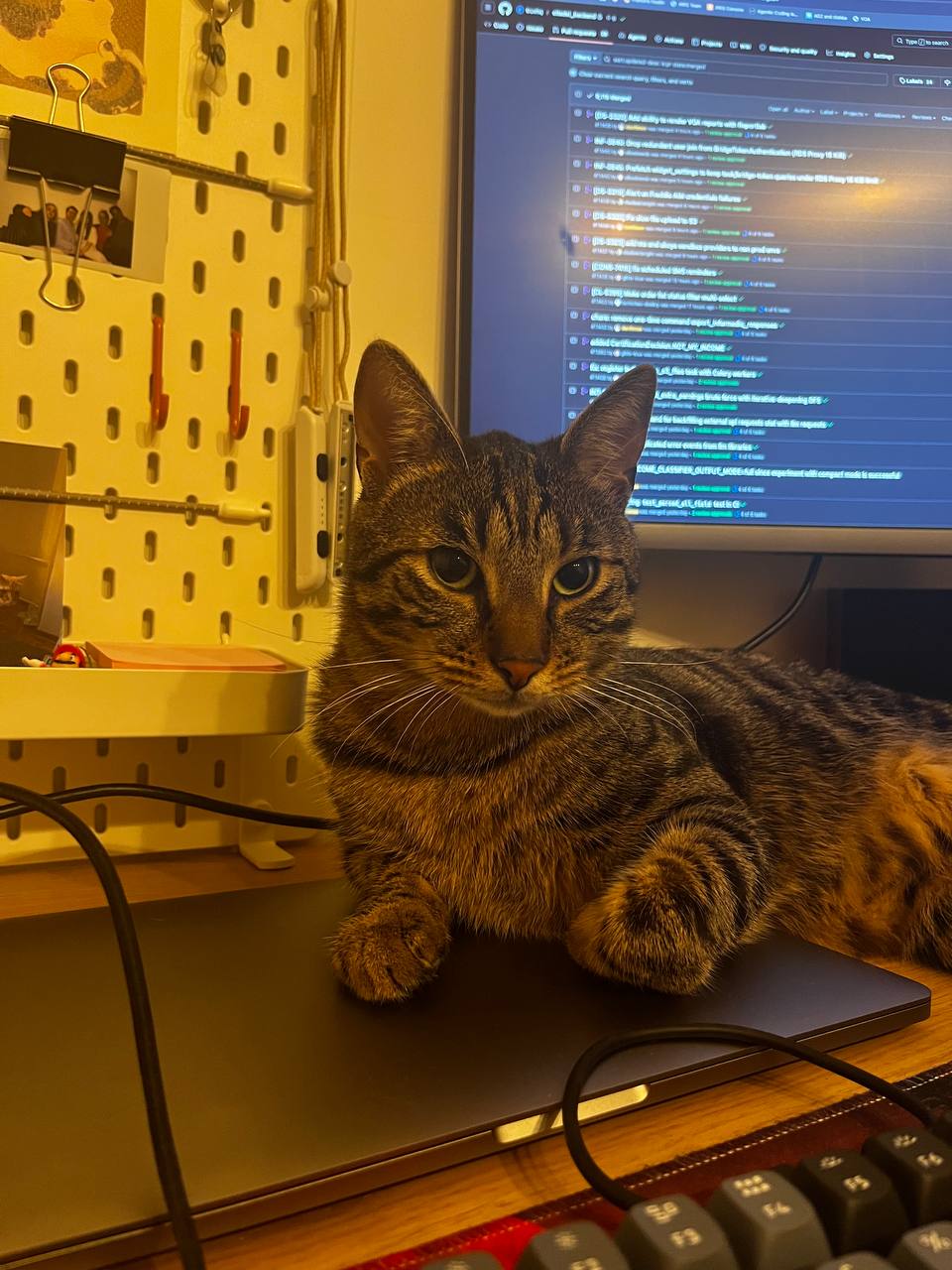
P.S. Here's another photo of the cat.